DJ mode
Every batter gets their own song.
Walk-up songs follow your real batting order, so the right song is ready for the right batter. Between innings, a mood's one tap away.
Free to start. Runs in the app or a browser, so any parent or coach can DJ.
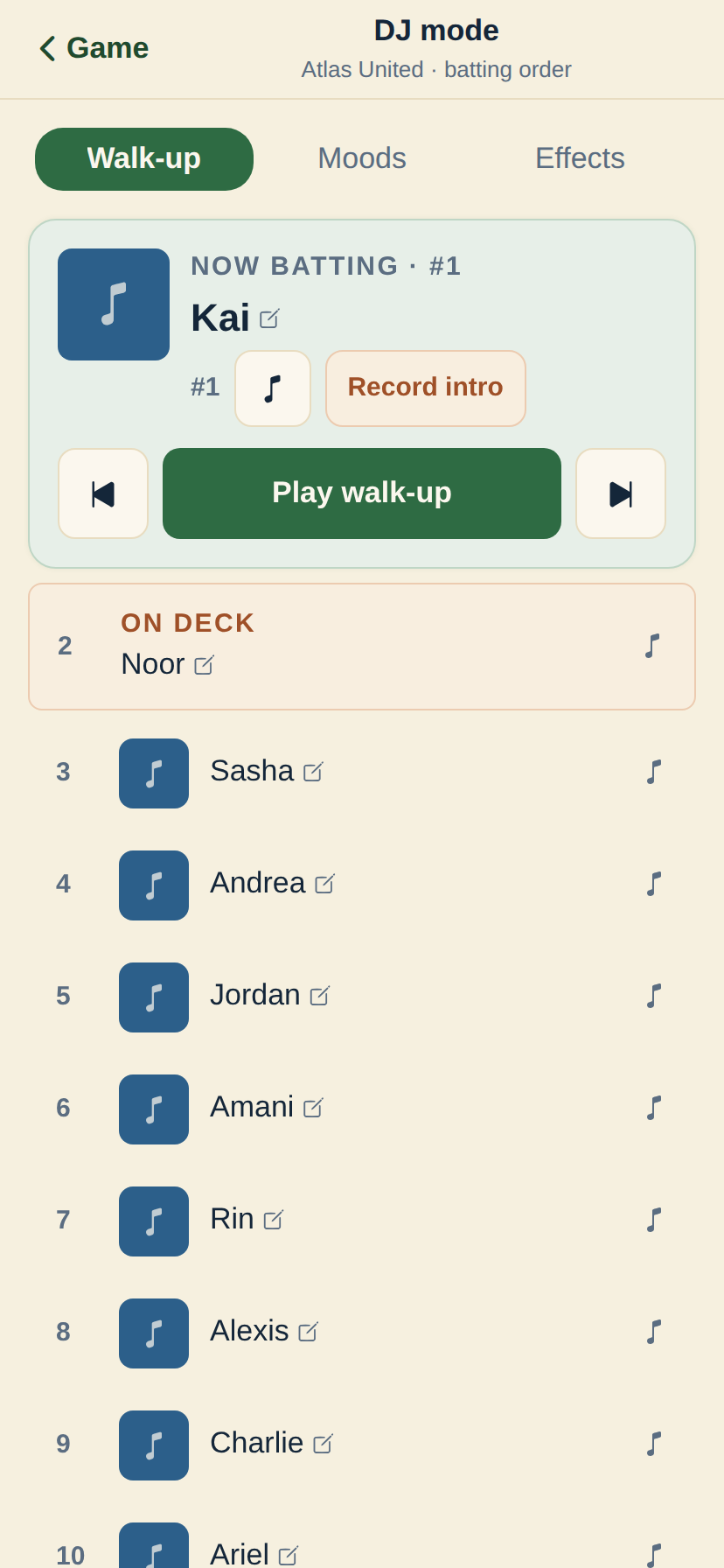
One board, the whole game
Walk-ups when they step up to bat. A mood for everything else. No second app, no separate speaker setup.
Walk-ups that follow the lineup
Each batter's song lines up with your real batting order. Hit play and DJ mode moves to the next batter for you as the walk-up finishes.
A mood for every lull
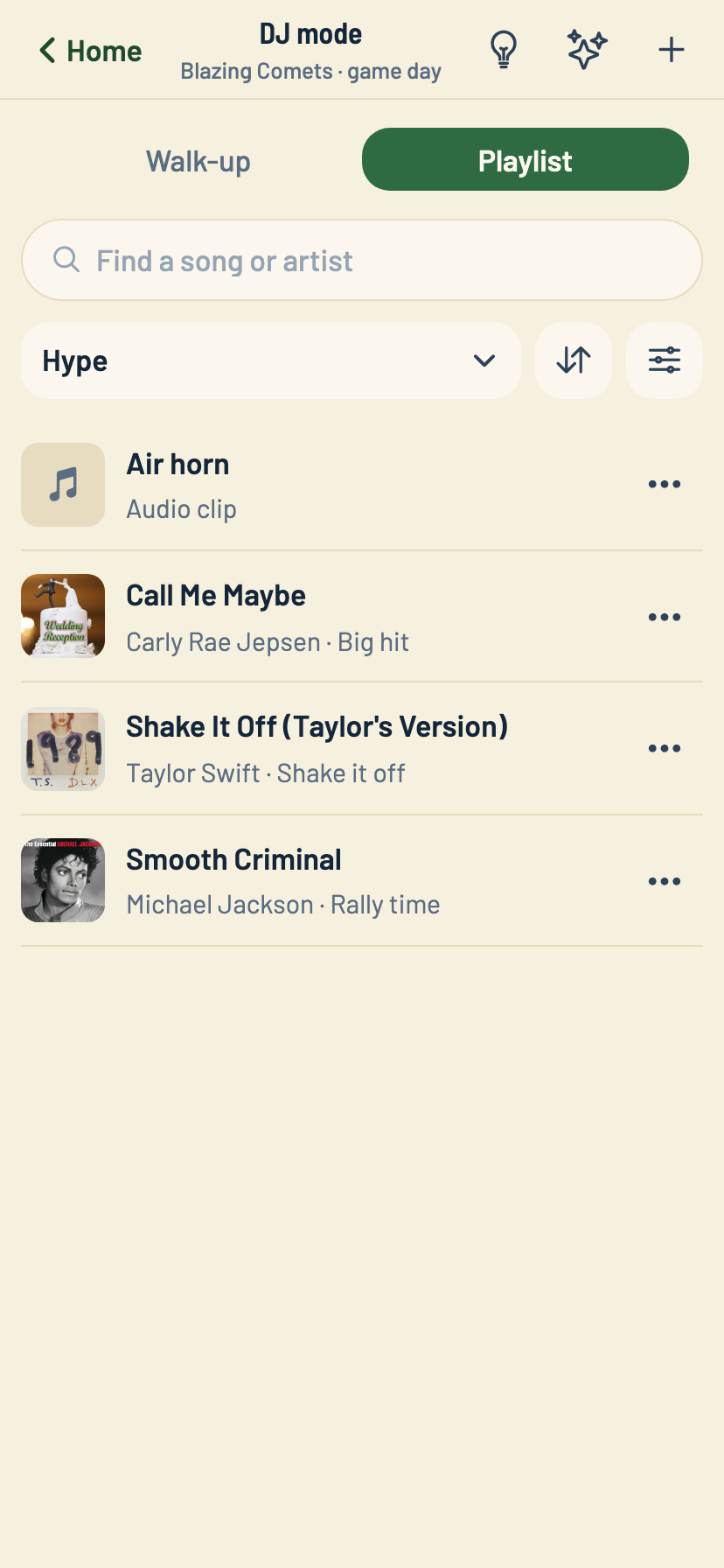
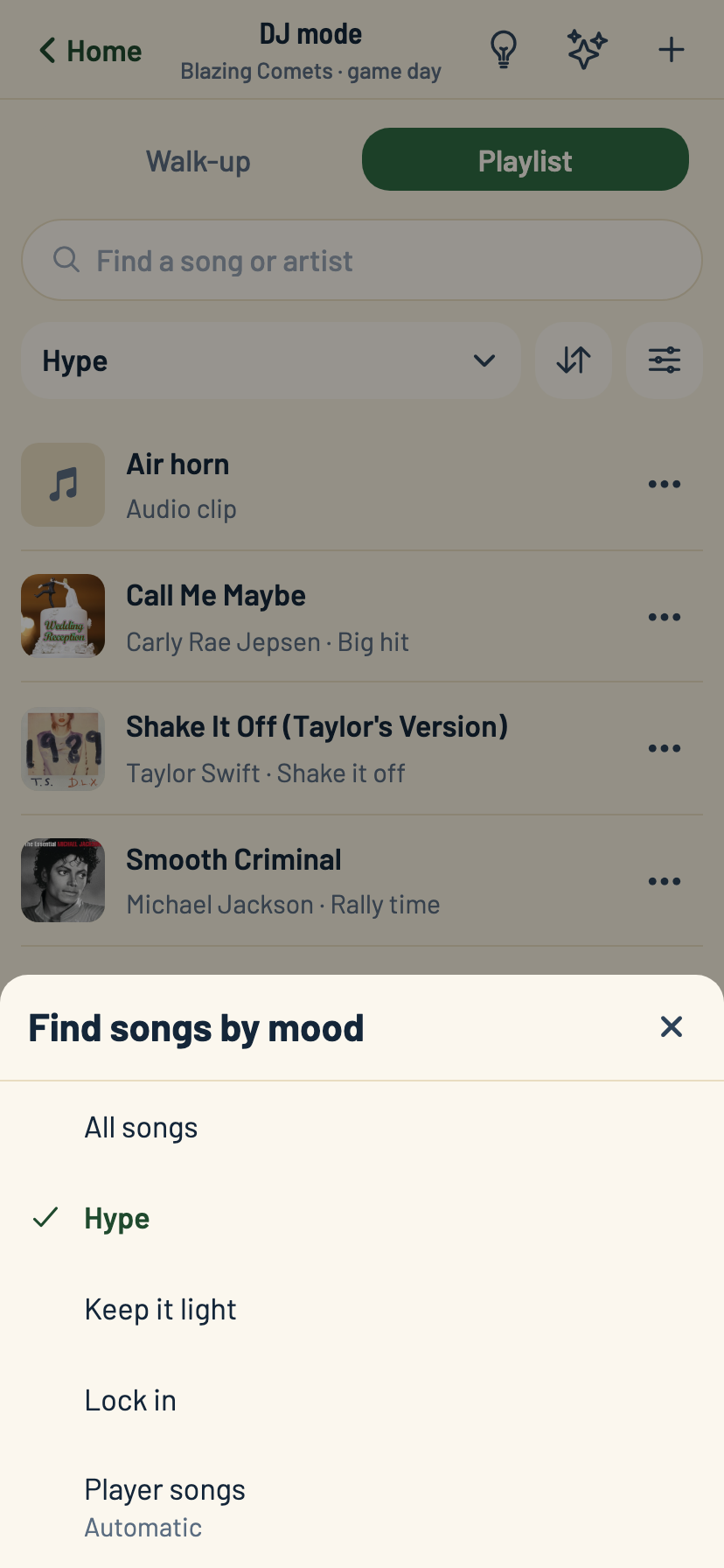
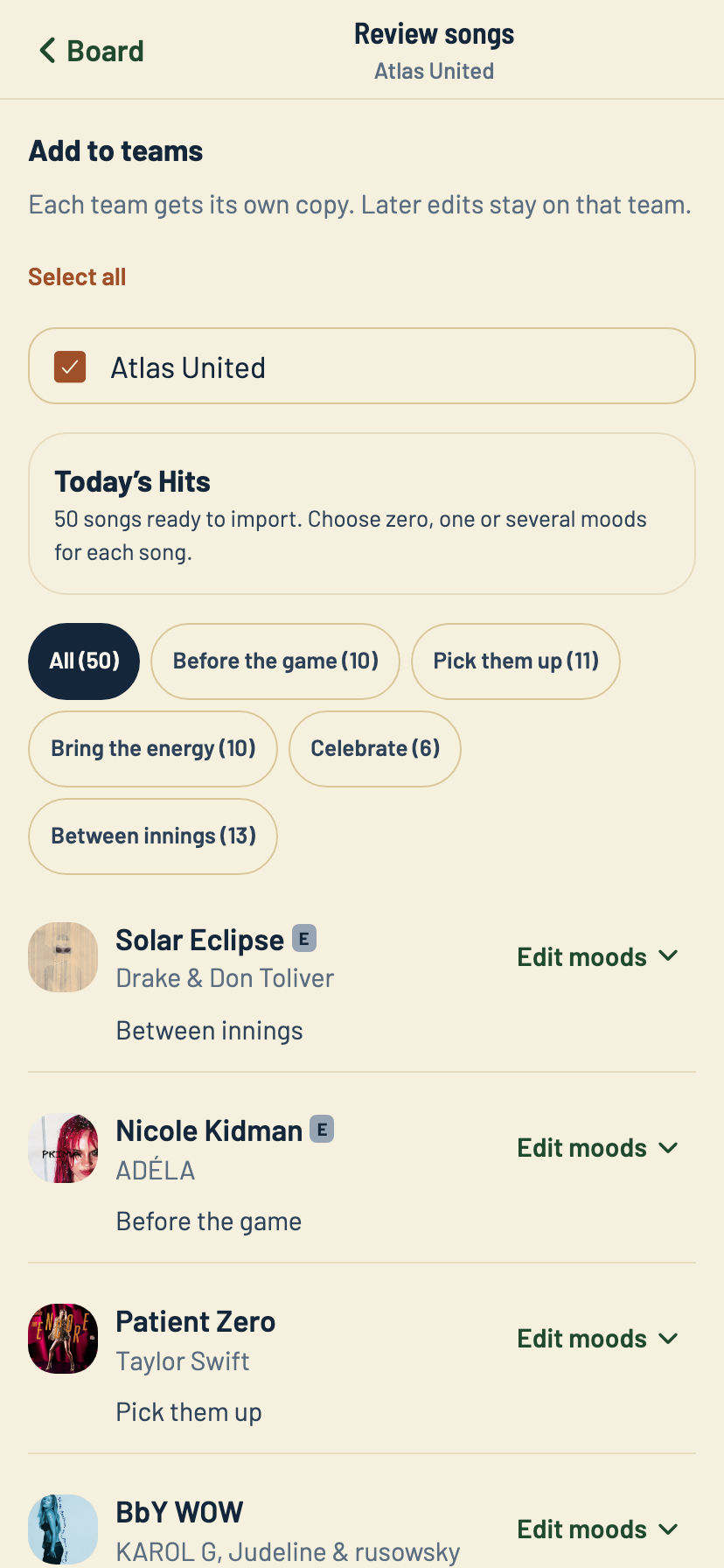
Pump-up before the game, a rally cue mid-inning, something for after the last out. Group songs and sound effects into moods your team names, and grab the right one without hunting.
Runs on your Apple Music
Search the Apple Music catalog right in the app. Playing a full song needs a subscription on the phone running the board. Sound effects and a recorded voice intro don't need one.
Set up a walk-up in about a minute
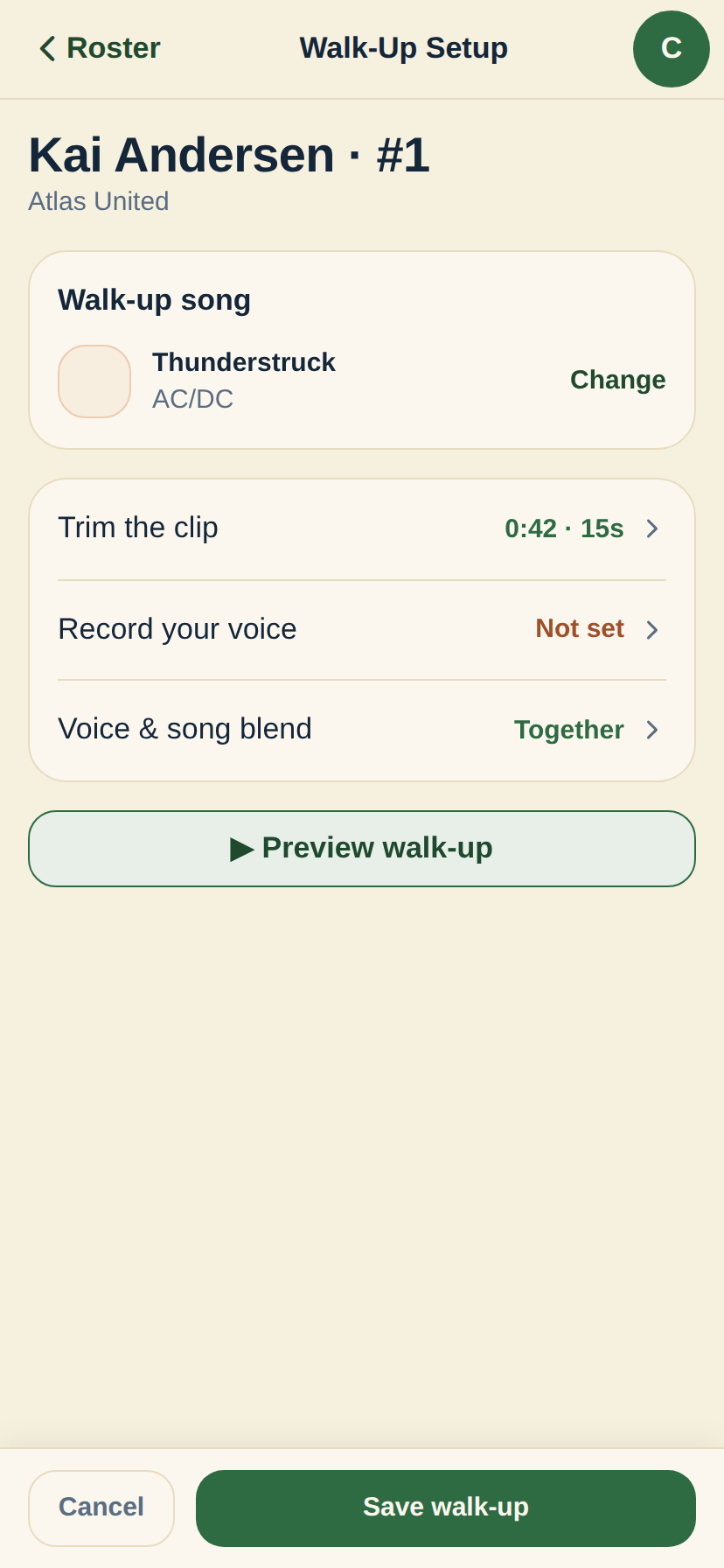
Search, trim to the part everyone knows, pick how a voice intro blends in, and save. No editing software, nothing extra to install.
Parents can add their own kid's song
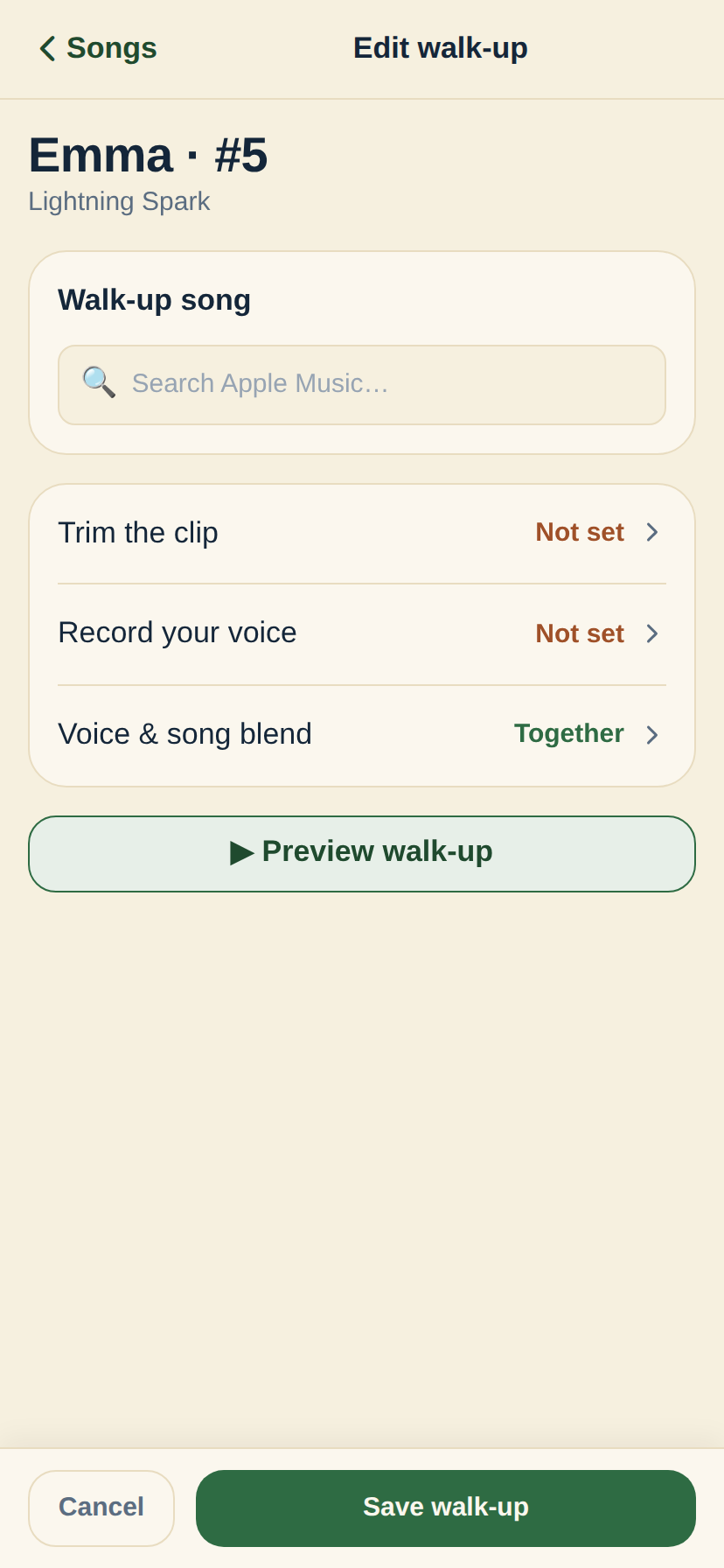
No approval step. A parent opens the app, searches, and saves their kid's walk-up the same way a coach does.
Share DJ duties without missing a beat
Any coach or parent on the team can pick up DJ mode on their own phone or in a browser. Same songs, same moods, whoever has it that inning.
Find the right song, then keep the playlist growing
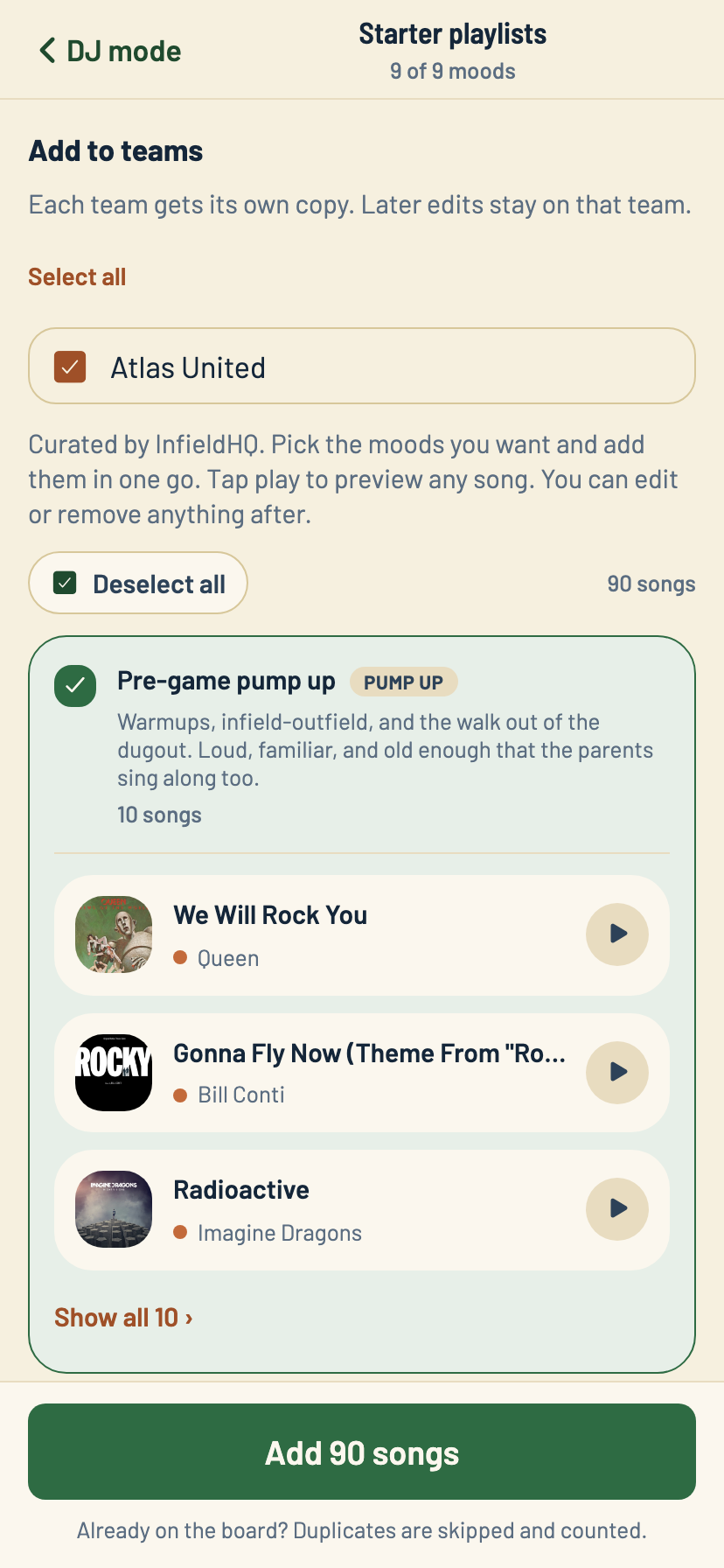
Filter by mood during the game. Start with a curated pack or bring in an Apple Music playlist.
Walk-up setup
Set up a walk-up in about a minute
Search the catalog, pick the part of the song everyone knows, and decide whether the announcer intro plays over the music or before it. Preview the whole thing before you save it, exactly as it'll sound in the dugout.
- Search Apple Music and trim to any 15-second clip
- Record a voice intro right on your phone
- Choose voice-then-song, or blended together
- Preview the finished walk-up before you save
Parents welcome
Any parent can add their kid's walk-up
A parent doesn't need to ask the coach. They open Songs from their own account, tap their kid, and the same walk-up editor a coach uses is right there: search, trim, save.
- No coach approval step, no waiting on someone else
- The exact same editor a coach uses
- Works for any parent with a kid on the team
- Saved straight to the team's DJ board
Already using another walk-up app?
We put InfieldHQ next to BallparkDJ and Walkout Song DJ, with real prices and the rows we lose.
Compare the walk-up appsGive every kid a walk-up, free to start.
Batting order, field positions, and now walk-up songs and moods, all in one place. Runs in the app or a browser.
Free while you try it. No card, no setup call.