Evaluations
Real tryouts, minus the clipboard.
Pick a starter rubric, paste your player list, and share a scoring link. Your evaluators score from their phones and results roll up as they come in.
Your first two tryouts are free. Most coordinators are scoring their first player in about two minutes.
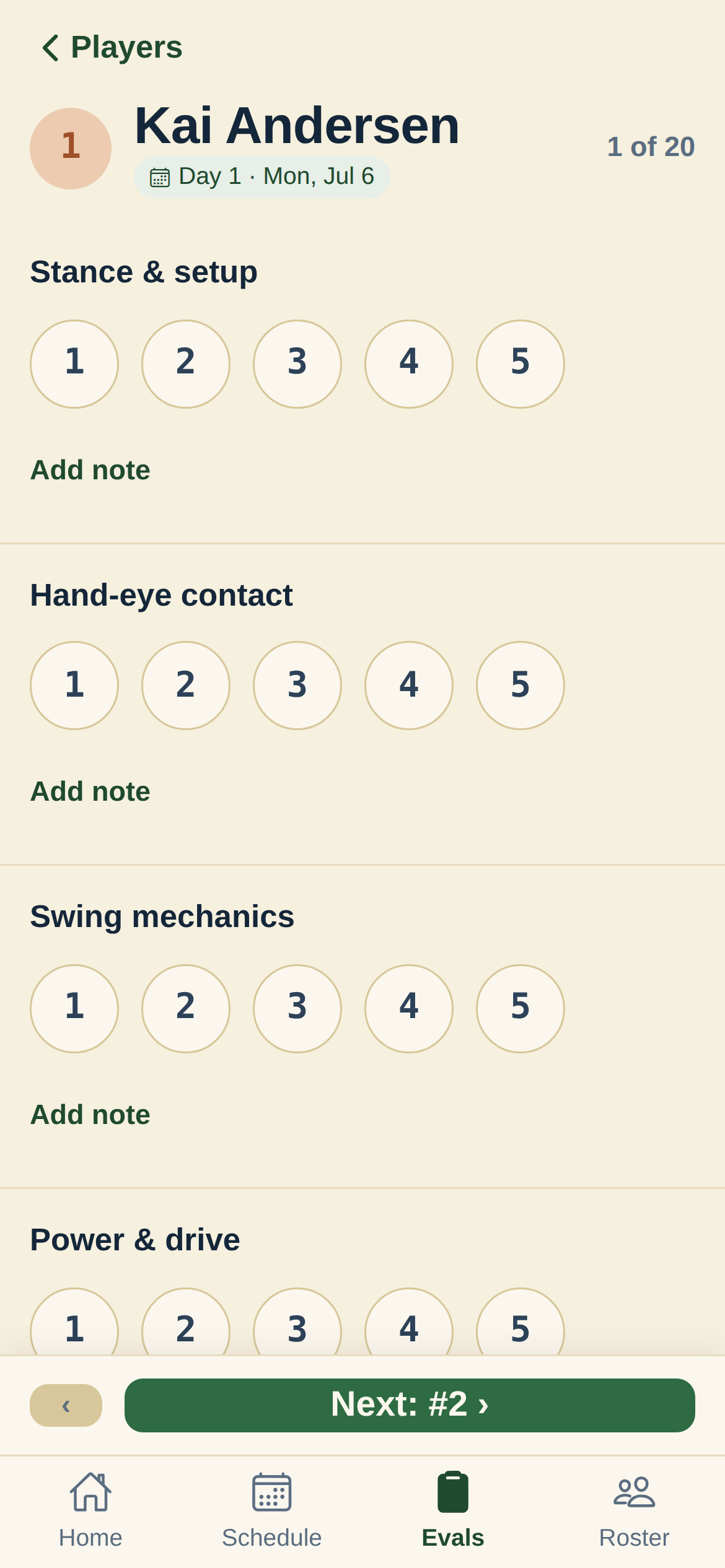
A real tryout, without the clipboard
Set it up on your computer, score it on phones, and see ranked results the same day.
Starter rubrics, not a blank page
Pick a pre-weighted rubric (hitting, fielding, throwing, speed) and tweak the stations and weights right there. You're always editing a working tryout, never staring at an empty template.
Score on any phone
Invite your evaluators by email. Each one scores their station from their own phone at the field. No app to install, nothing to learn.
Ranked results, right away
Scores roll up as they come in, weighted and ranked. No CSV export, no sorting a spreadsheet by hand.
Your league, set up for you
Creating a tryout sets up your league and season behind the scenes. Start with evaluations. The rest of InfieldHQ is there when you want it.
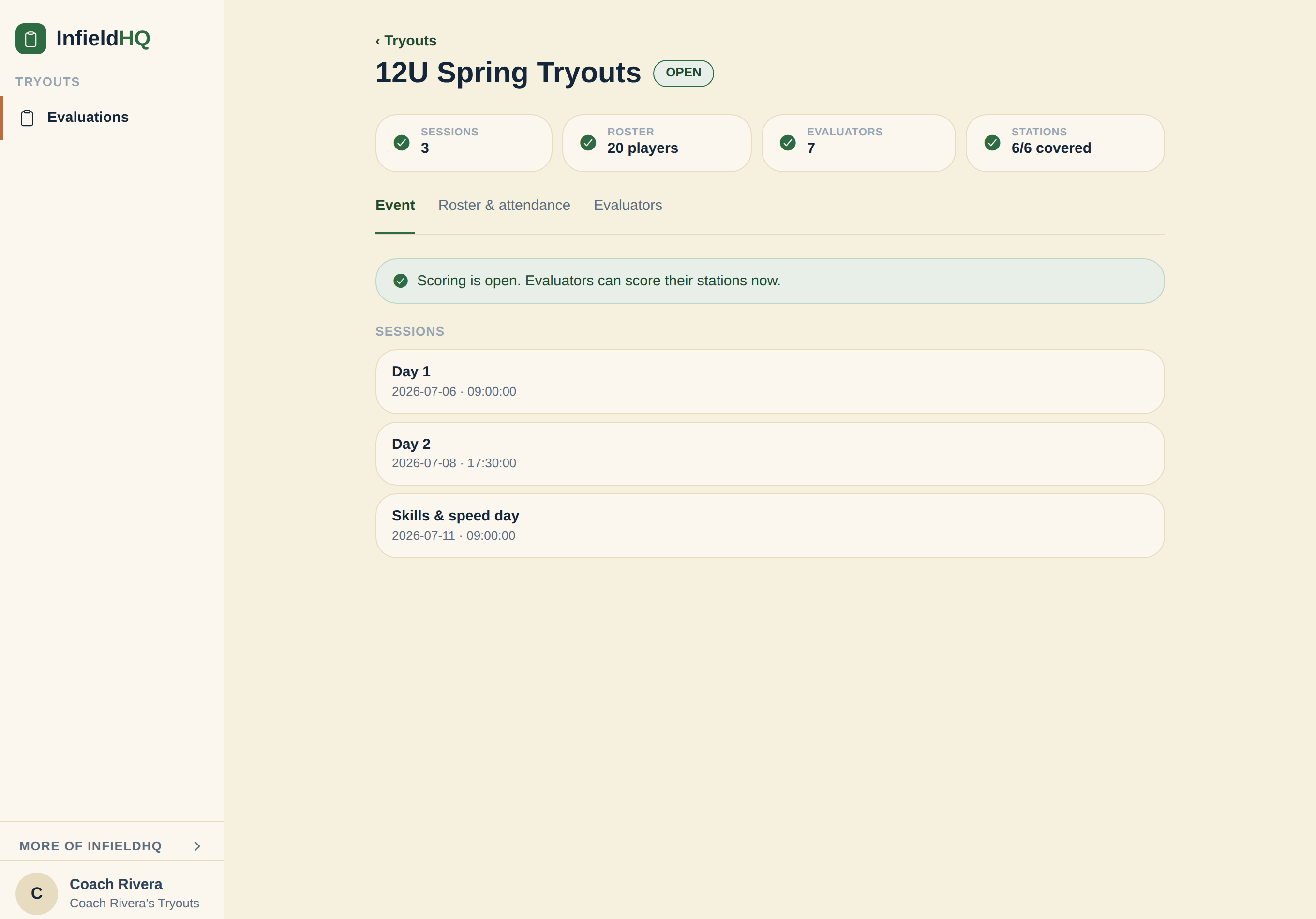
Run the whole tryout from your computer
Sessions, the full roster, and who's covering each station, all on one page. Open scoring when you're ready and watch it fill in.
Three steps to your first score
- 1. Pick a starter rubric and adjust the stations.
- 2. Paste your player list. Age tags like "8U" are picked up for you.
- 3. Share the scoring link and watch results come in.
Already paying for evaluation software?
TeamGenius starts at $1,050 a year. We put InfieldHQ next to them, SkillShark, Sports Evaluations and Rizzler, with their real prices and the rows we lose.
Compare evaluation softwareRun your first tryout in about two minutes
A real multi-station tryout, scored on phones, with ranked results. Your first two tryouts are free, then $50 a month for the months you run them.